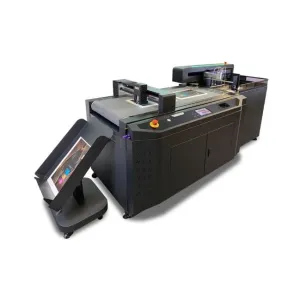
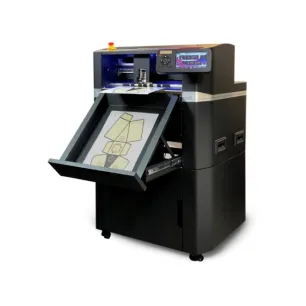
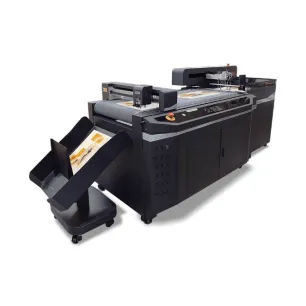
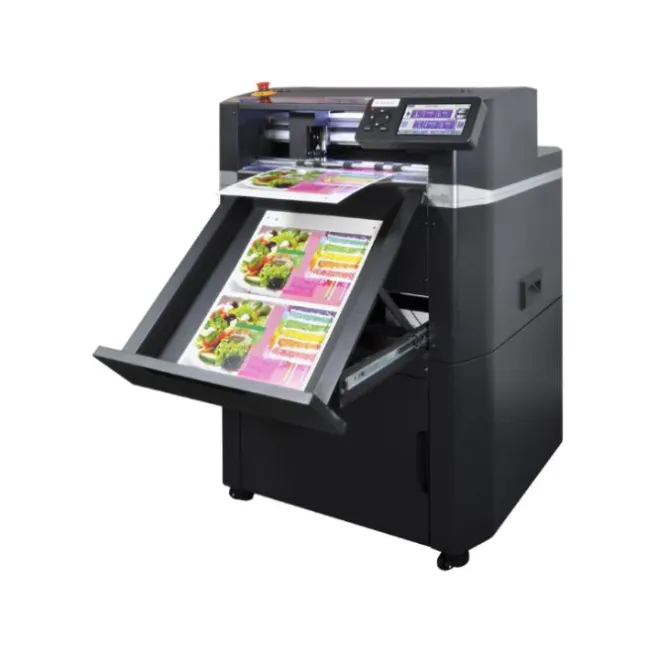
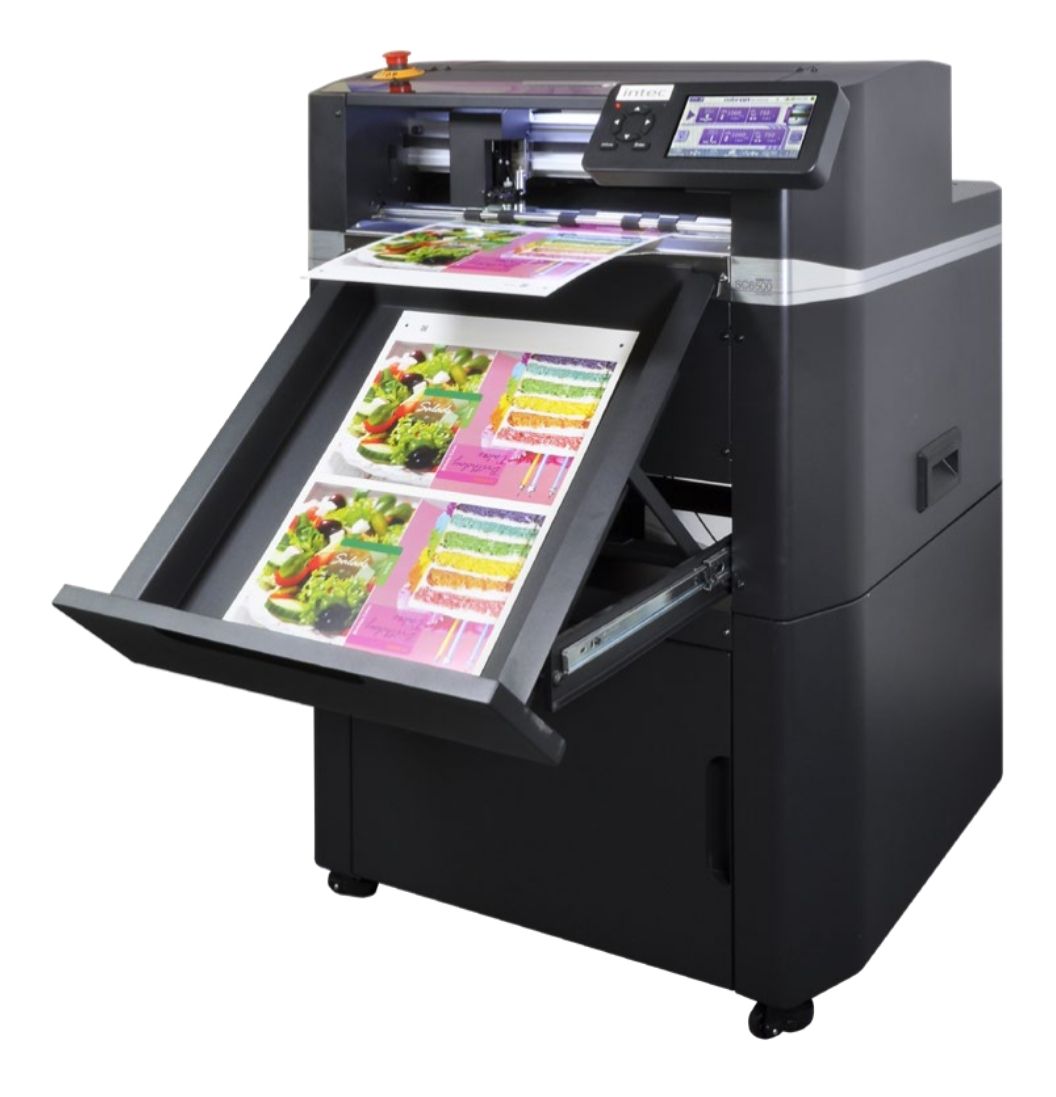
Intec ColorCut SC6500 Automatic Sheet-Fed Digital Die-Cutter with 1,000-Sheet Feeder

- Free shipping from 300 €*
- Quick shipping in the whole world
- Certified technical service Quick support
- Custom advices & quotes Secured payment
SC6500
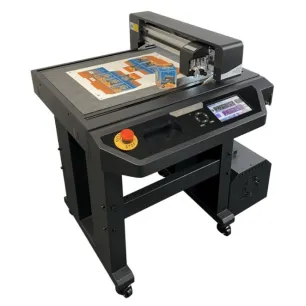
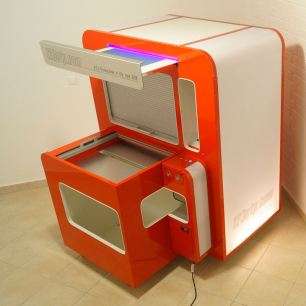
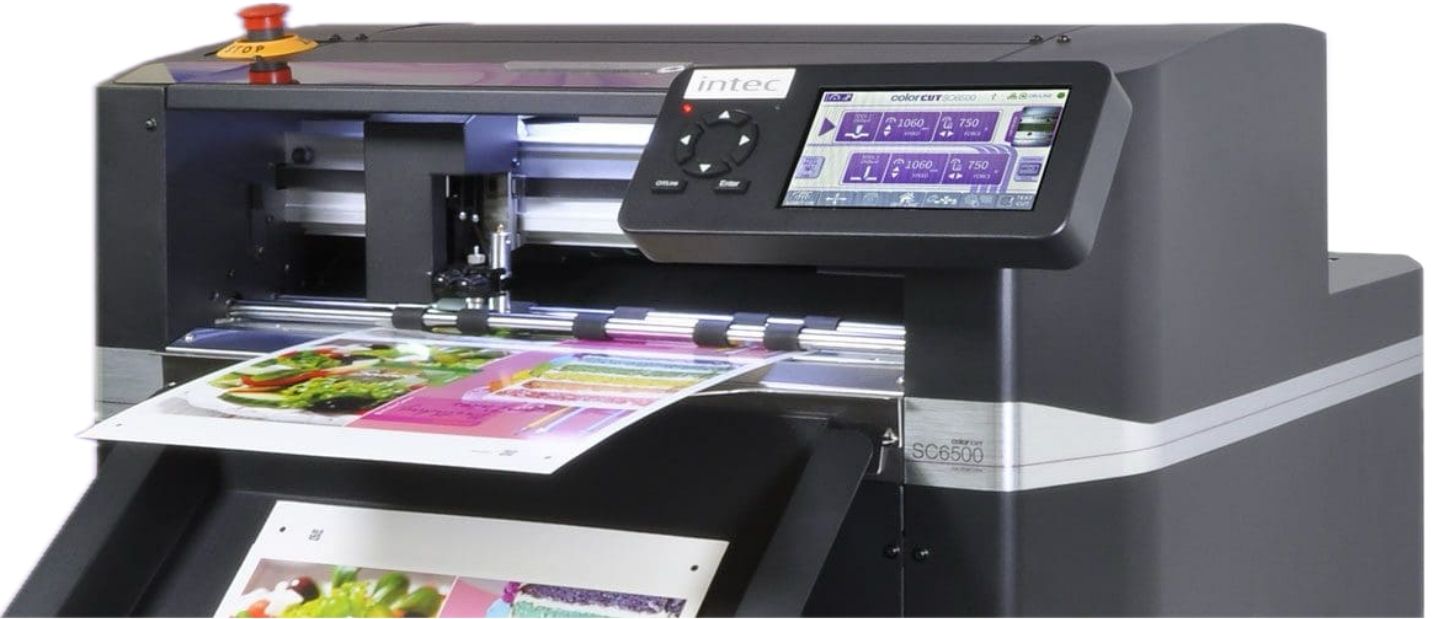
Entry-level automatic die-cutting: load the stack of labels or cards, the SC6500 cuts and drops the finished sheets in the tray.
- 1,000-sheet feeder: air blade, separation fingers, vacuum belt and patent-pending sheet jogging.
- Two tools, one pass: blade and creasing tool, 750 g each, with grip-and-drive rollers on both sides.
- Mixed jobs: each QR code calls up its cut file, even with the sheet rotated 180°.
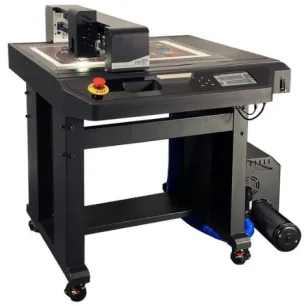
- No wires, no PC: Held mode, jobs on a USB stick, machine on wheels.
More info
Automatic cutting · sheet-fed
Your labels and cartons, cut without you
1,000-sheet feeder, two tools and QR code reading: cutting, kiss-cutting, creasing and perforating non-stop, with no cutting die.
Compact, on castors, driven from a USB stick: Intec’s entry-level automatic cutter, supplied with ColorCut Pro 5.
1,000
sheets in the feeder
1,060 mm/s
maximum speed
750 g
of force per tool
340 × 710 mm
maximum format
On this page
Key features Applications How it works Tools and accessories Specifications Why Digital-sysRequest a quote
Automation in a compact format
The SC6500 blends flatbed and sheet-fed: it takes the stack, cuts, and drops the finished sheets into the tray.
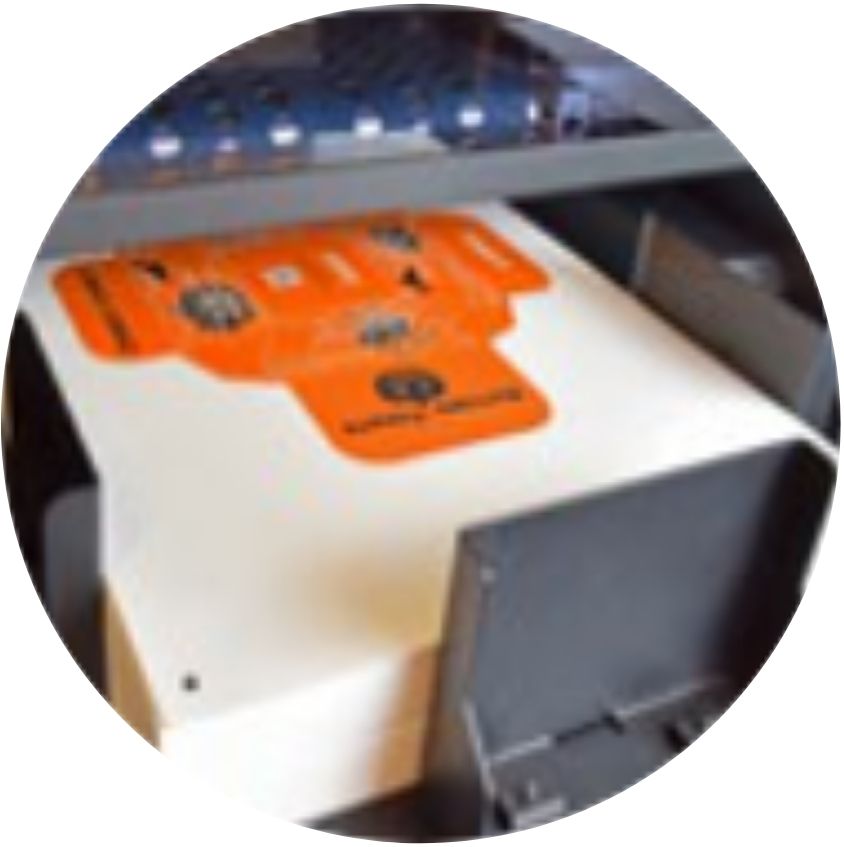
A 1,000-sheet feeder
Air knife, separation fingers and vacuum belt: one sheet at a time.
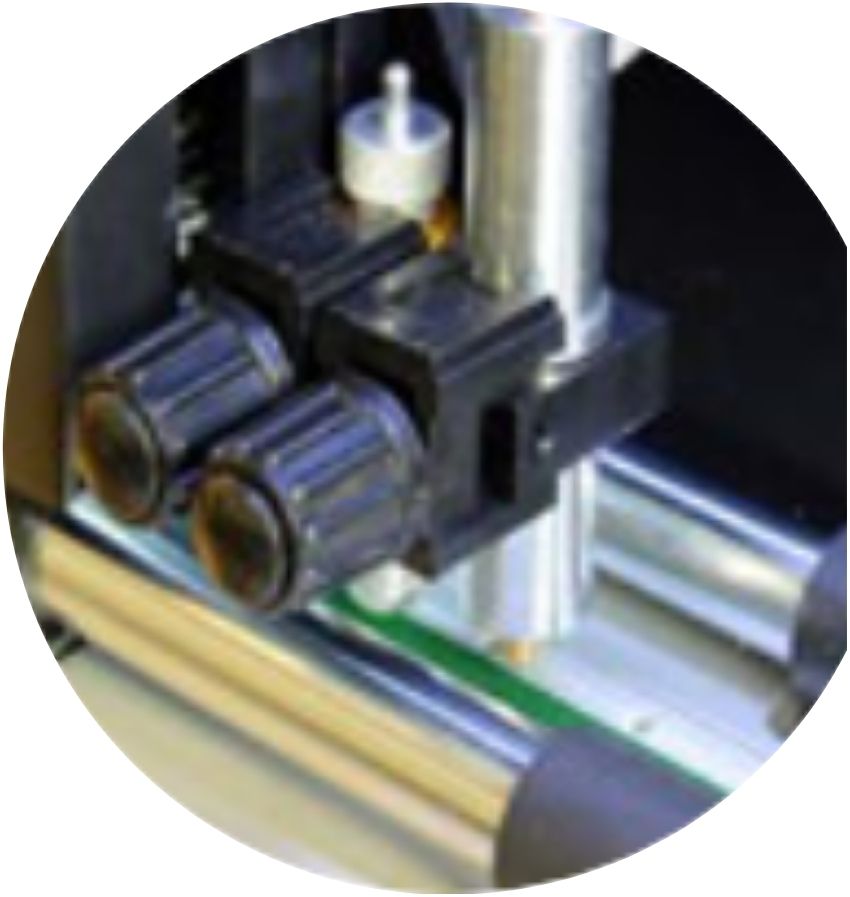
Two tools, one pass
Blade and creasing tool, 750 g each, held on both sides of the sheet.
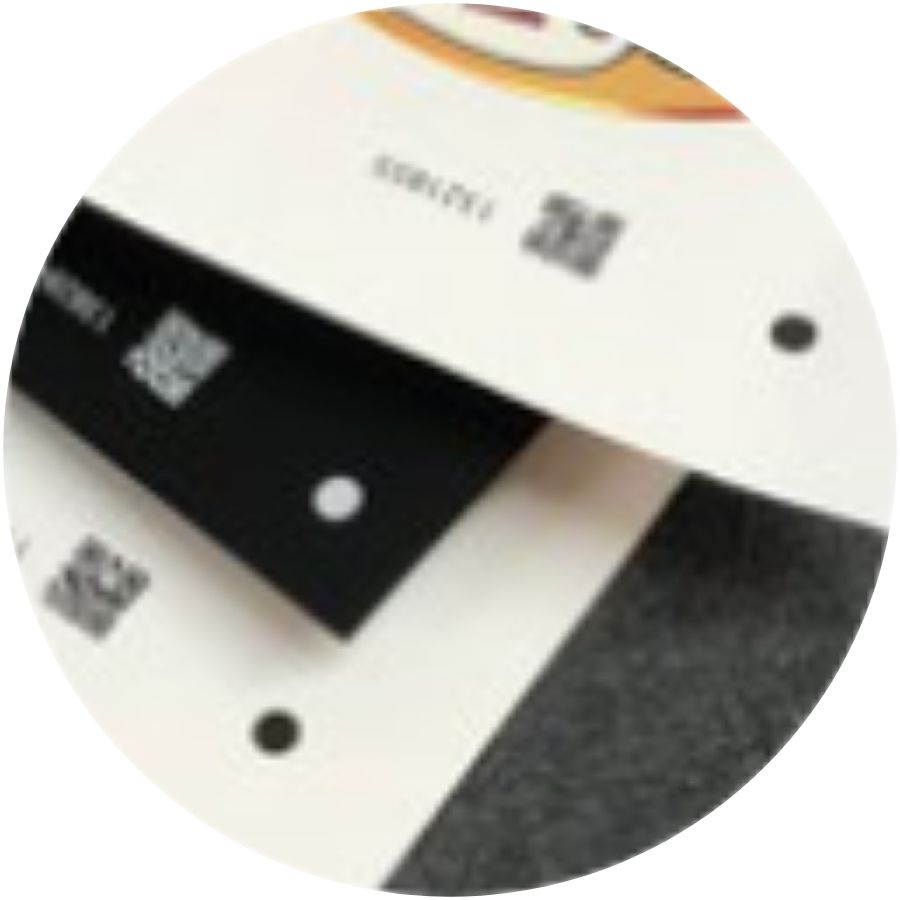
Mixed jobs in the stack
Each QR code calls up its own cut path, even with the sheet turned 180°.
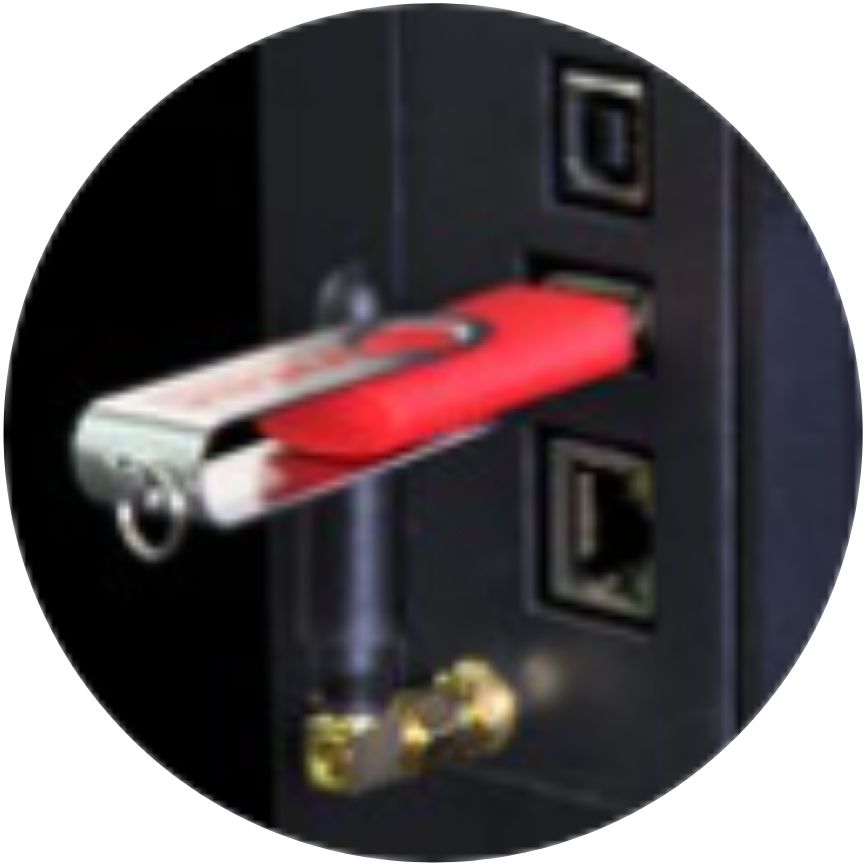
No cable, no computer
Held mode: a USB stick, a power socket, and the SC6500 cuts wherever you want.
What your customers will order
Four families of jobs, each with the Digital-sys products that make it possible.
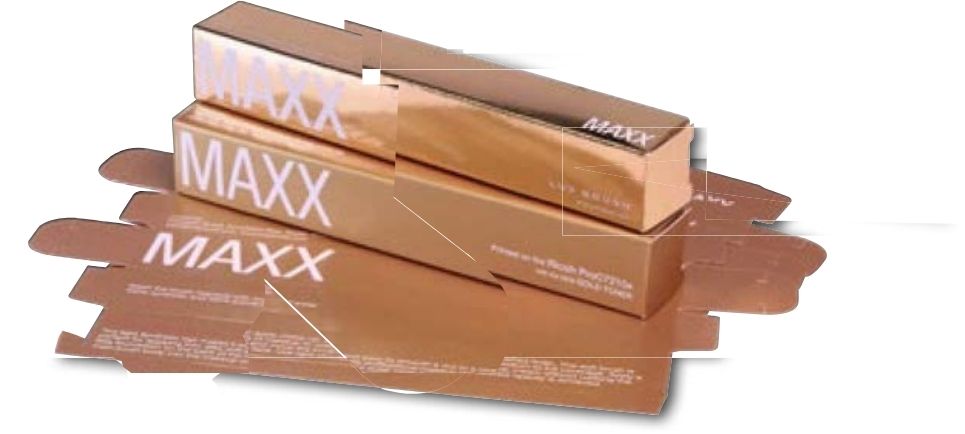
Light cartons and cards
Cartons, cards and folders in board up to 350 µm, cut and creased on demand.
Made with: OKI Pro9431E · board up to 350 µm

Kiss-cut labels
The SC6500’s core job: label sheets contour-cut without cutting through the liner.
Made with: Vulcan Labelstock SRA3

Product labels
Short runs of labels for bottles, jars and gift boxes, on paper or film.
Made with: OKI Pro9541E · white or clear

Light POS
Bottle neck hangers, shelf labels and tent cards cut to shape.
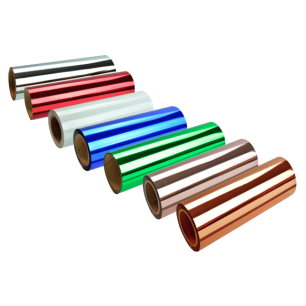
Made with: hot foils · vinyl
From file to finished piece in four steps
With ColorCut Pro 5, cutting is prepared in Illustrator or CorelDRAW, the software your designers already use.
✎︎STEP 1 →
You design
The plug-in adds registration marks, a QR code and small holding tabs.
⎙︎STEP 2 →
You print
On your sheet-fed printer, for example an OKI Pro9431E.
▣STEP 3 →
You load the feeder
Up to 1,000 sheets, mixed jobs included.
✂︎STEP 4
The SC6500 cuts
Sheet after sheet, down to the last one, unattended.
Our experts’ view
Small tabs for a clean stack!
The SC6500 moves the sheet during cutting: small tabs hold the pieces in the sheet. ColorCut Pro adds them automatically (SmartTags) and you collect a neat stack of finished sheets that is easy to handle.
Thicker board? Move up to the SC7100 Pro-T!
The SC6500 is designed for labels and board up to 350 µm. For stiffer cartons, the SC7100 Pro-T adds a 2.5 kg tangential creasing wheel.
Format and capacity at a glance
The format, to scale
340 × 710 mm maximum format
320 × 450 mm an SRA3 sheet
210 × 297 mm an A4 sheet, for comparison
Custom formats from 180 to 340 mm wide and from 279 to 710 mm long.
Accepted thickness
Minimum 140 µm
Maximum 350 µm
Power consumption
Average 100 W
Peak 320 W
Tools and accessories
What comes with the SC6500, what can be added, and what completes your workshop.
Included
Blade holder and blades
30°, 45° and 60° blades for film, labels and board; narrow and wide creasing tool.
Included
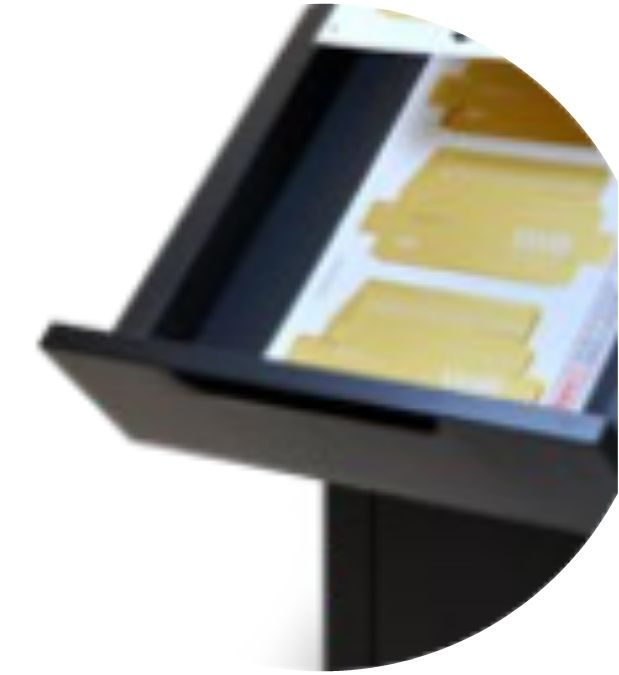
Retractable delivery tray
It stows under the machine; extension for long sheets.
Included
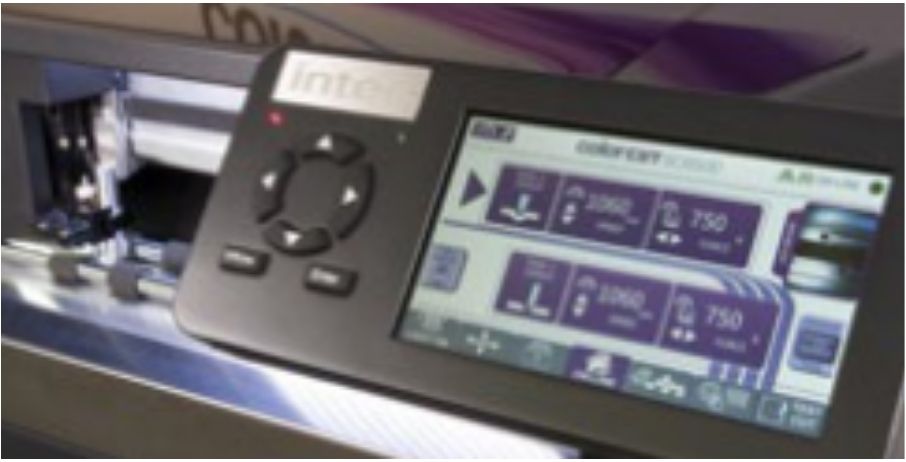
7-inch Info-Control screen
Live camera view, feeder settings, jobs from the USB stick.
Option
Server Station
Pre-installed PC with ColorCut Pro, Template Maker and two additional seats.
Complete your workshop
OKI Pro9431E printer
The SRA3 printer that feeds the SC6500.
OKI Pro9541E printer
5th colour, white or clear, for labels.
Vulcan Labelstock SRA3 self-adhesive paper
For kiss-cut labels.
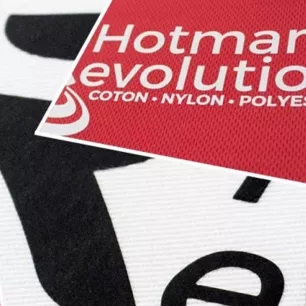
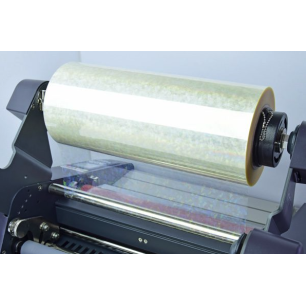
Laminating films and hot foils
To customise before cutting.
All our finishing machines
Cutting, laminating, foiling.
Which automatic ColorCut is right for you?
Labels and light board
ColorCut SC6500
1,000-sheet feeder, two 750 g tools, board up to 350 µm.
Board and packaging
ColorCut SC7100 Pro-T
2.5 kg tangential creasing wheel for stiffer cartons.
Automatic flatbed
ColorCut FB9500 Pro-T
2,000-sheet feeder, format up to 500 × 720 mm.
Key specifications
The essentials for cutting and finishing. Source: Intec ColorCut SC6500 brochure.
| Formats | A4, A3, SRA3, A3+ and custom formats |
| Media size | 180 to 340 mm wide, 279 to 710 mm long |
| Thickness | 140 to 350 µm |
| Feeder | 1,000 sheets (80 gsm), 15 kg, 105 mm stack |
| Head | dual: blade holder and narrow and wide creasing tool |
| Force | up to 750 g per tool, 190 levels |
| Speed | up to 1,060 mm/s |
| Accuracy | ± 100 µm |
| Registration | Vision3 CCD camera, black or white QR codes |
| Software and connectivity | ColorCut Pro 5, Direct and Held modes; USB and Ethernet |
The Vision3 camera corrects the scale, skew and rotation of every sheet. Full data sheet on request.
Why choose Digital-sys?
A machine has to be chosen, installed and mastered: we stay by your side at every step.
Pre-sales advice
SC6500 or SC7100 Pro-T: the model chosen according to your media and volumes.
Installation and onboarding
Feeder set up, plug-in installed, first runs cut with you.
ColorCut Pro training
QR codes, holding tabs, Held mode.
Local support
Blades, papers and labels in stock, and a team that knows the whole workflow.
Your labels, cut while you print
Tell us about your media and volumes: we will propose the right ColorCut configuration and its pricing.
Photos are not contractual.
Reviews
You must log in to give a review
7 other products in the same category: